How to Use Google Business Profile to Put Your Accounting Firm on the Map
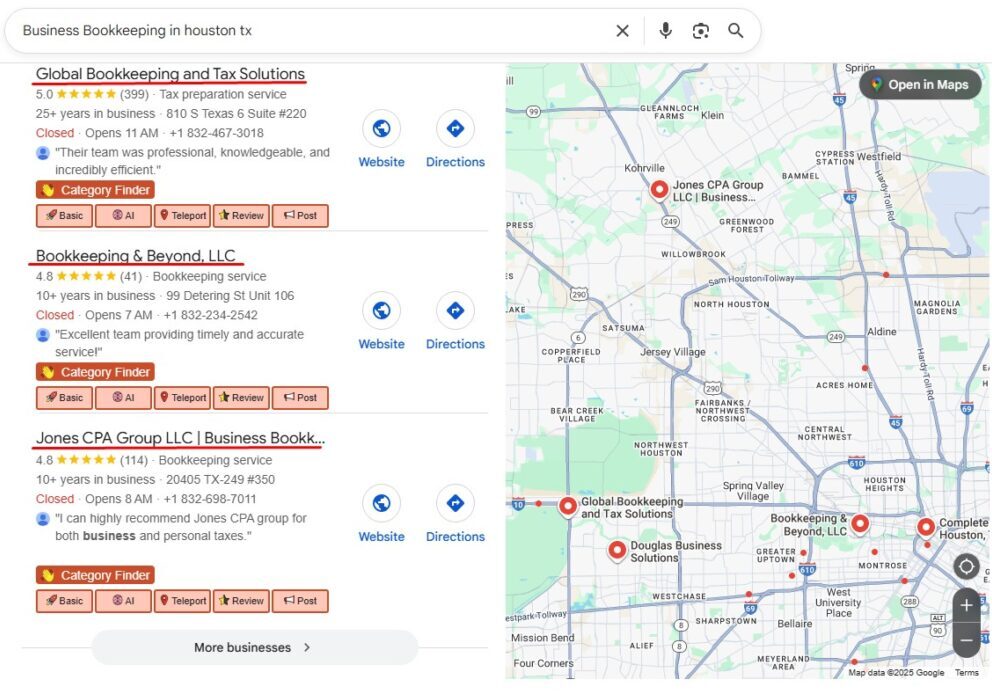
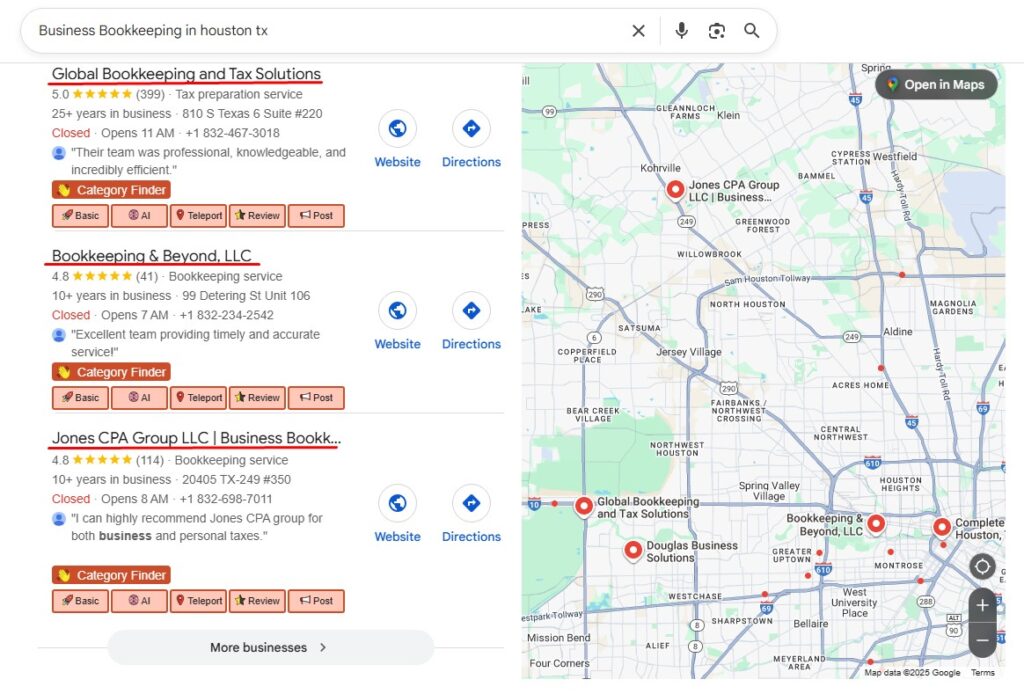
When potential clients search for an accountant, they don’t flip through a phone book—they Google it. And more often than not, they’ll choose from the top three firms displayed in Google Maps. That visibility is powered by your Google Business Profile (GBP).
Here’s how to put your firm “on the map” and get chosen first.
Step 1: Claim and Verify Your Profile
- Go to Google Business Profile Manager.
- Claim your firm’s listing or create one if it doesn’t exist.
- Verify it via phone, email, or mail.
Why it matters: You can’t control what clients see until your profile is claimed and verified. This is the foundation of local visibility.
Step 2: Complete Every Detail
- Business name, address, and phone (NAP) must match your website.
- Add your services: bookkeeping, tax prep, payroll, advisory.
- Set accurate hours, especially during tax season.
Why it matters: Google rewards completeness. Clients also trust businesses with full, accurate information. If your profile is missing details, they may choose a competitor.
Step 3: Add Photos and Videos
- Showcase your office exterior and interior.
- Add team headshots for credibility.
- Share short video clips of your team in action.
Why it matters: Visuals build trust. A polished profile with authentic images makes your firm feel approachable and professional, helping clients feel comfortable before they call.
Step 4: Use Posts to Stay Active
- Share tax tips or deadline reminders.
- Highlight new services or staff introductions.
- Promote seasonal offers (e.g., “Book tax prep early and save.”).
Why it matters: Posting regularly signals to Google (and potential clients) that your business is active. Posts also provide content that can help you stand out in a crowded market.
Want more leads on top of better GMB performance? Don’t miss our post on how to get more clients for your firm.
Step 5: Collect and Respond to Reviews
- Ask satisfied clients for feedback after services.
- Respond promptly and professionally to every review.
- Thank clients for positive feedback, address negatives with solutions.
Why it matters: Reviews are a ranking factor for GBP. More importantly, they give prospects confidence that your firm delivers quality service. Responding shows professionalism and care.
Step 6: Expand Your Service Areas
- Add nearby towns and suburbs you serve.
- Create location-specific content on your website to match.
Why it matters: If you only list your main office city, you may miss clients in surrounding areas. Expanding your service area widens your reach and improves your chances of showing up for more searches.
Final Thoughts
Your Google Business Profile isn’t just a listing—it’s one of the most powerful tools for attracting local clients. When optimized properly, it can put your accounting firm front and center in Google Maps, drive calls, and fill your pipeline with high-quality leads.
 Need help getting your firm on the map? SiteFlyer specializes in Google Business optimization for accounting firms