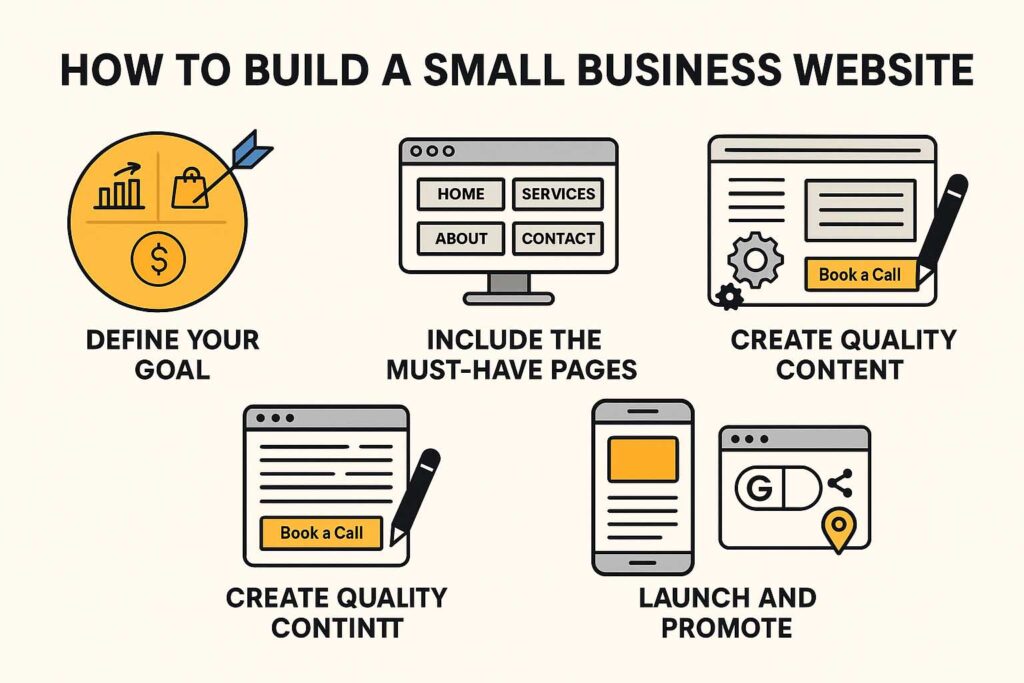
How to Build a Small Business Website That Brings in Customers
A website is more than a digital business card—it’s your most powerful marketing tool. For small businesses, a well-built website establishes credibility, showcases your services, and convinces visitors to choose you over competitors. Unfortunately, many small business sites fail because they lack focus or look outdated. Here’s how to build one that actually converts.
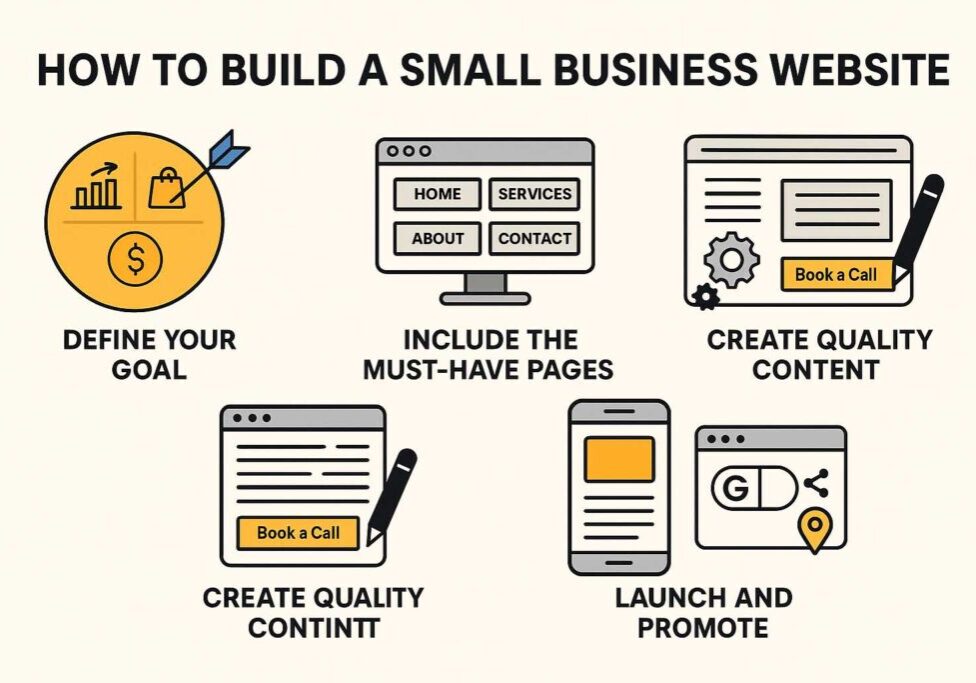
Step 1: Define Your Goal
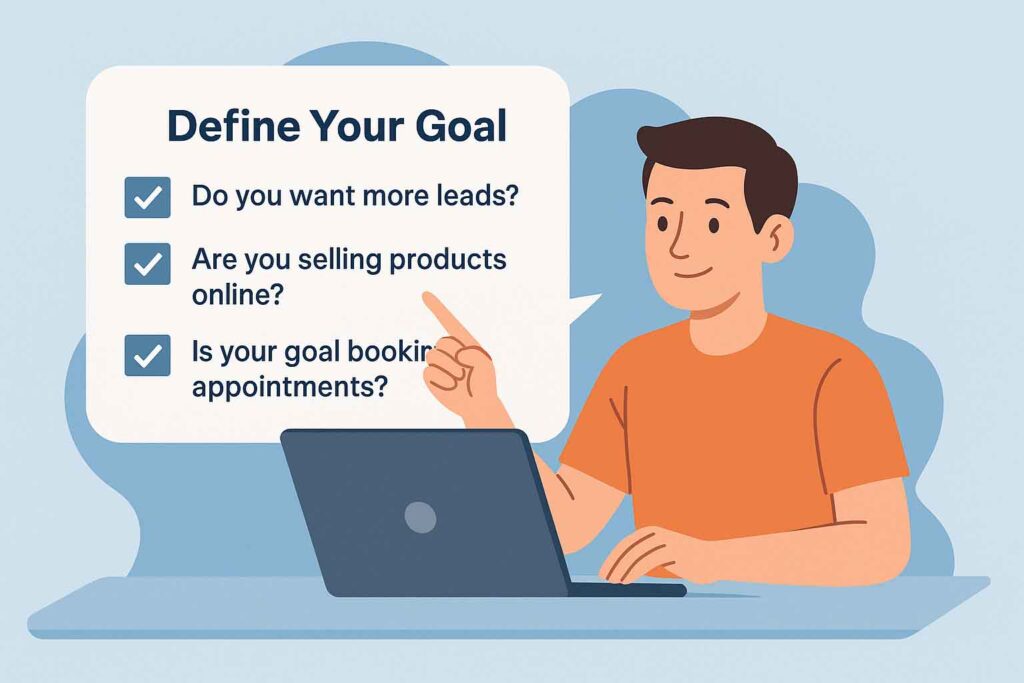
- Do you want more leads?
- Are you selling products online?
- Is your goal booking appointments?
Every small business site should be built with a primary goal in mind. If you’re a local service provider, your main goal might be generating leads. If you sell products, e-commerce functionality becomes the priority. Defining your goal upfront ensures your website is designed to achieve real results instead of being just another online brochure.
Step 2: Include the Must-Have Pages
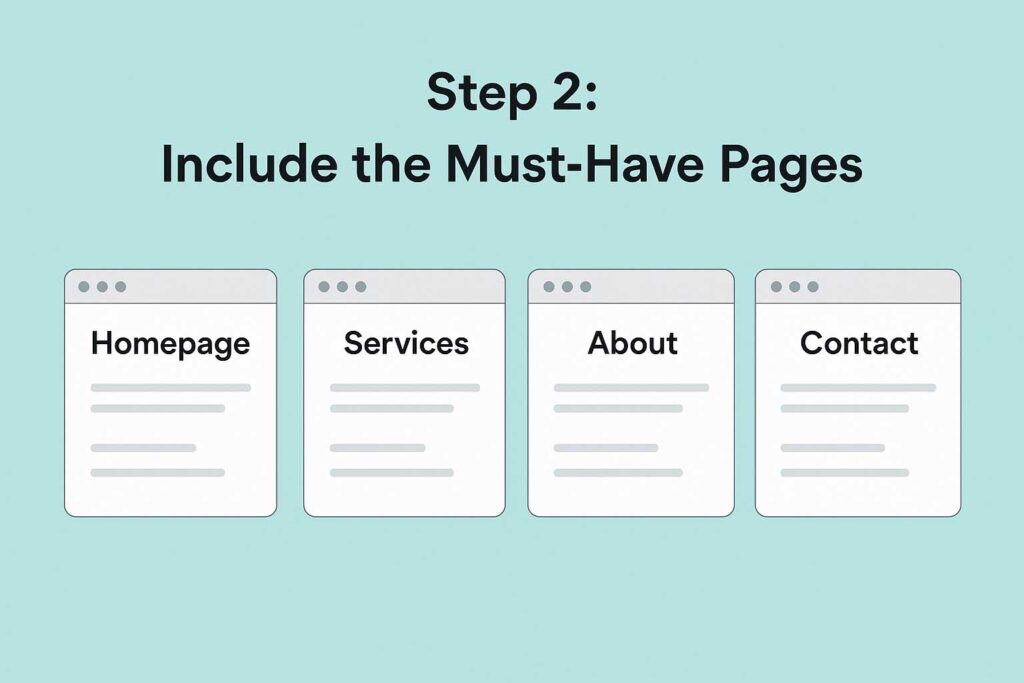
- Homepage: Your brand’s elevator pitch.
- Services: Clear descriptions of what you offer.
- About: Tell your story to build trust.
- Contact: Easy ways to get in touch.
These four pages are the backbone of any effective small business website. Your homepage should quickly explain what you do and why it matters. Your services page needs to be clear and benefit-driven. Your About page gives your business a human face, while your Contact page should make reaching you simple and friction-free.
Step 3: Focus on User Experience
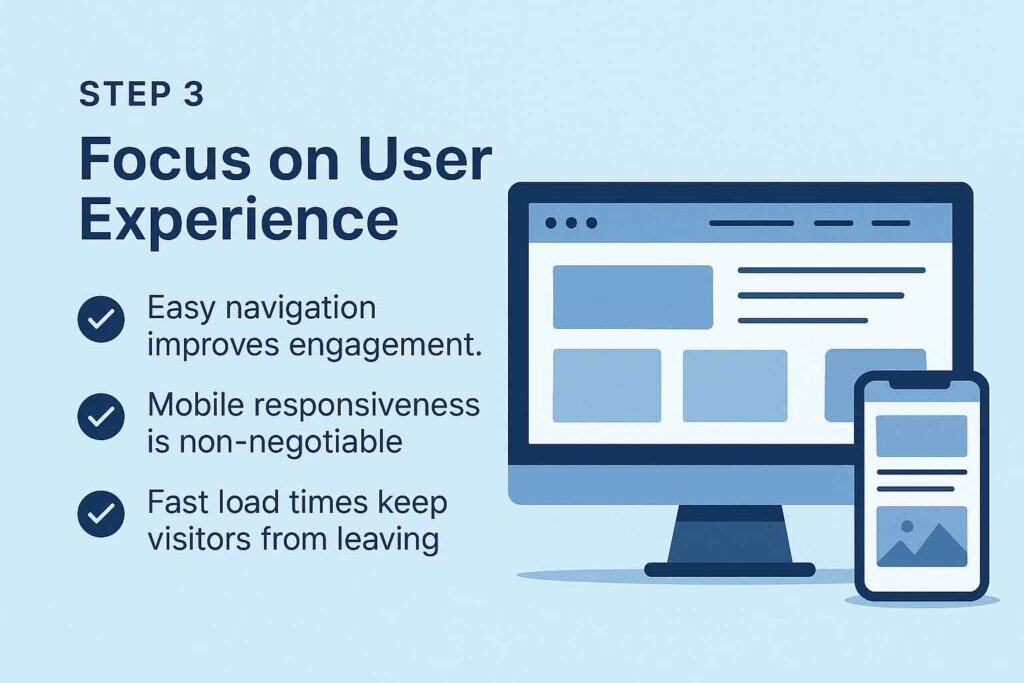
- Easy navigation improves engagement.
- Mobile responsiveness is non-negotiable.
- Fast load times keep visitors from leaving.
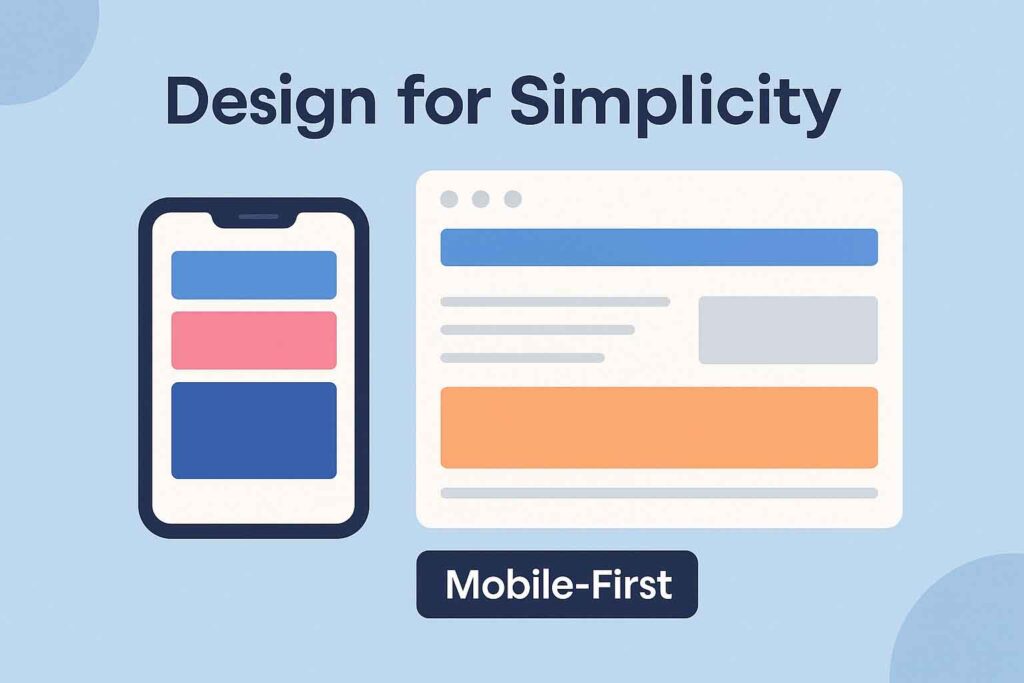
User experience (UX) is what separates a good site from a bad one. If visitors can’t find what they need in a few clicks, they’ll leave. A mobile-first approach ensures your site looks good on phones—where most searches happen. And since slow websites lose traffic quickly, speed optimization is critical.
Step 4: Add Social Proof

- Display testimonials and reviews.
- Showcase logos of clients or partners.
- Highlight success stories or case studies.
People trust people. Adding testimonials or reviews proves that others value your services. Including recognizable logos (clients, certifications, memberships) builds credibility instantly. Case studies go a step further by showing the measurable impact your business has had.
Step 5: Drive Traffic to Your Website
- Optimize for SEO (keywords, meta tags).
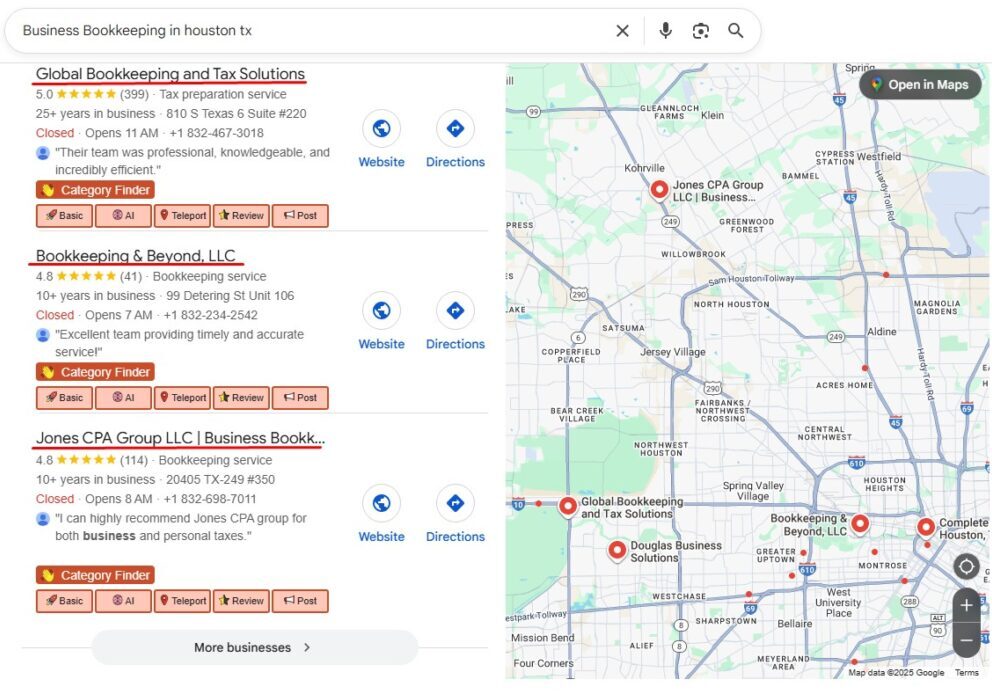
- Claim your Google Business Profile.
- Share updates on social media.
Building a great site is only half the battle—you need people to visit it. Basic SEO ensures your site shows up in search results. A Google Business Profile helps you rank locally, especially on Google Maps. Social media provides ongoing opportunities to drive traffic and keep your brand visible.
Final Thoughts
Your small business website should do more than look good—it should work as a marketing tool. By focusing on goals, must-have pages, user experience, and social proof, you’ll create a site that brings in real customers. Want a professional site that’s built to convert? SiteFlyer builds small business websites designed for growth