How to Start Your Own Website in 2025 (Without Wasting Time or Money)
Starting your own website can feel overwhelming, especially if you don’t know where to begin. Between choosing a domain, setting up hosting, and figuring out design, many people either overspend on unnecessary tools or waste months trying to do everything themselves. The good news? You don’t need to make those mistakes. With the right approach, you can launch a website quickly, affordably, and with a professional look.
Step 1: Secure Your Domain Name

- Keep it short and easy to remember.
- Choose a .com extension if possible.
- Avoid numbers or hyphens that confuse visitors.
Your domain is your digital identity, and it’s often the first impression customers have of your brand. A clean, simple domain name builds trust and credibility. Think about how easy it is for someone to type or say aloud—complicated names hurt word-of-mouth marketing. Using a .com extension is still the gold standard because it feels familiar and reliable to most people.
Step 2: Choose the Right Hosting
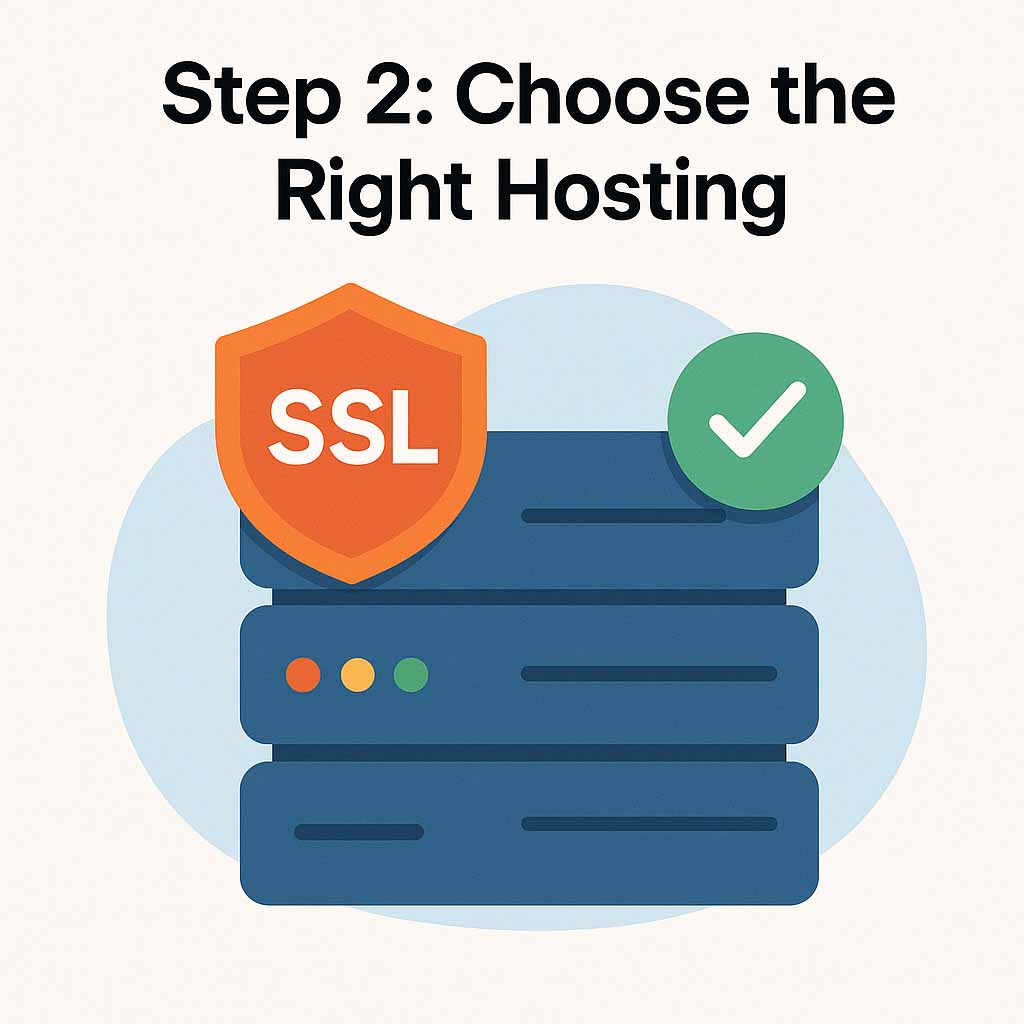
- Reliable uptime and speed are critical.
- Look for hosting that includes SSL security.
- Avoid bargain-bin hosting that sacrifices performance.
Hosting determines how fast and secure your website will be. Cheap hosting plans often lead to painfully slow sites, downtime, and vulnerabilities. Customers won’t wait more than a few seconds for a site to load. A good host ensures your website is always accessible and secure, which builds trust and prevents lost sales. SiteFlyer, for example, handles hosting as part of its subscription model, saving you the hassle of comparing dozens of options.
Step 3: Plan Your Website Structure
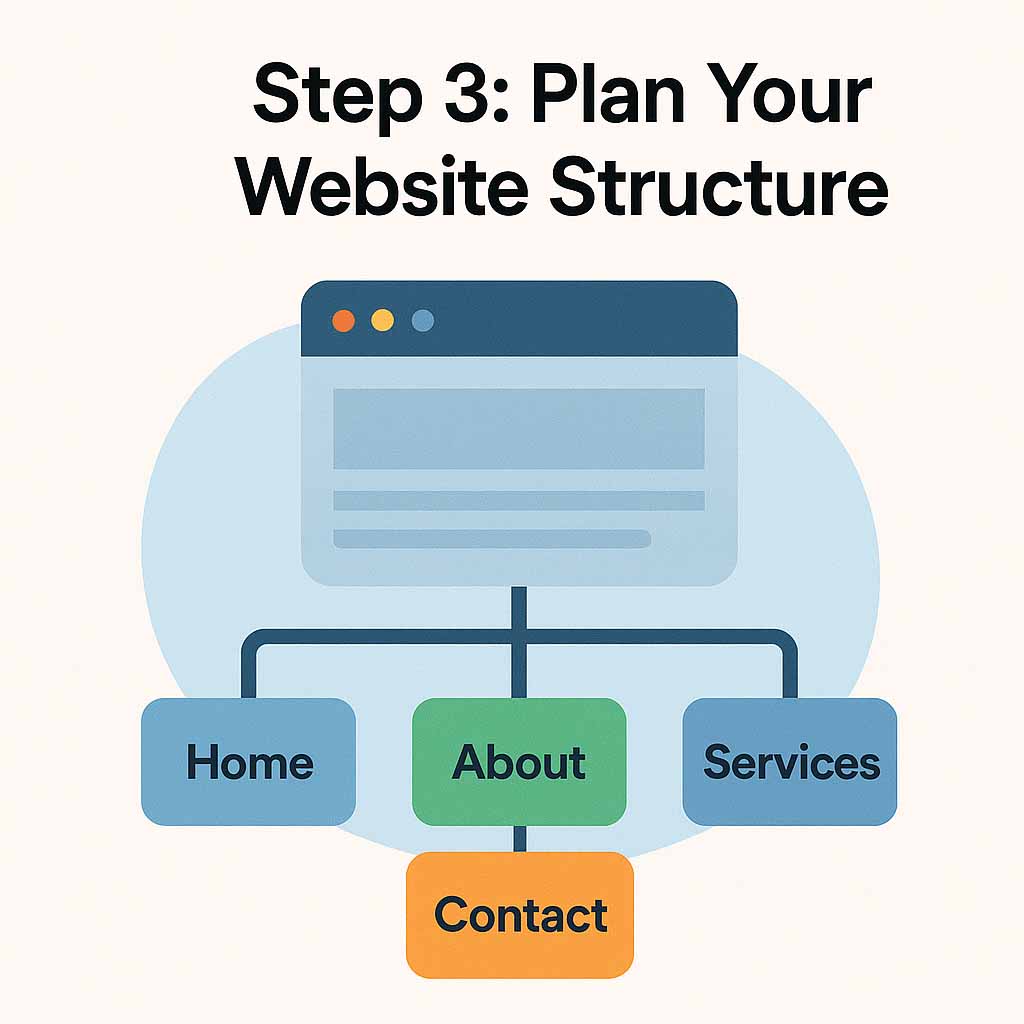
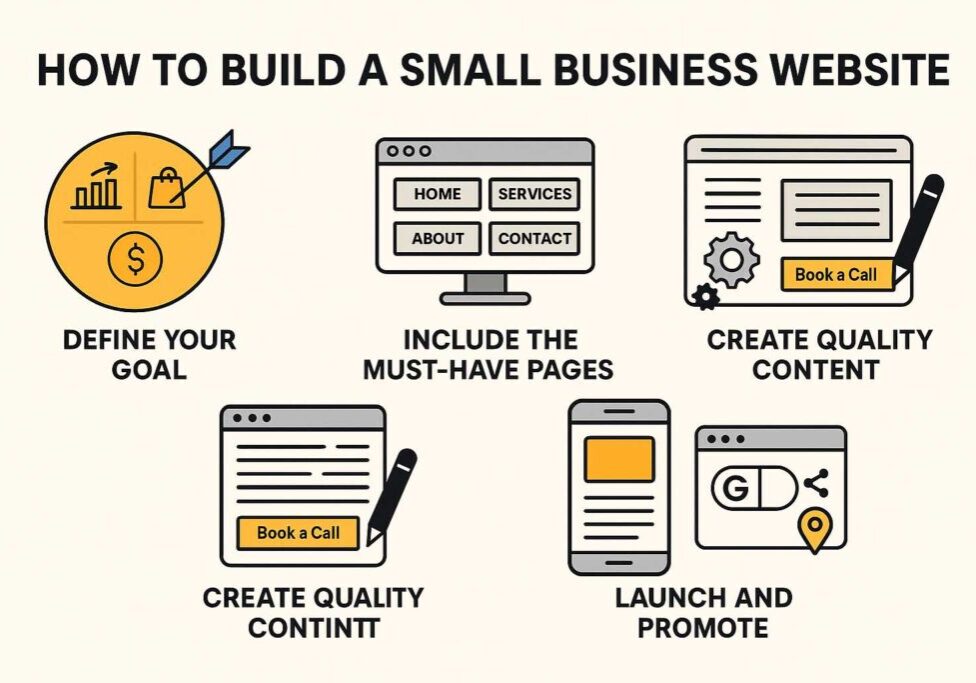
- Start with essential pages: Home, About, Services, Contact.
- Avoid adding too many pages at launch.
- Keep navigation simple and intuitive.
Planning your site structure ensures you don’t overwhelm visitors—or yourself. Many beginners try to launch with 10+ pages, which leads to thin, low-quality content. A focused site with the four essentials makes navigation simple and keeps visitors engaged. Once your site is live, you can always add blog posts or landing pages to expand.
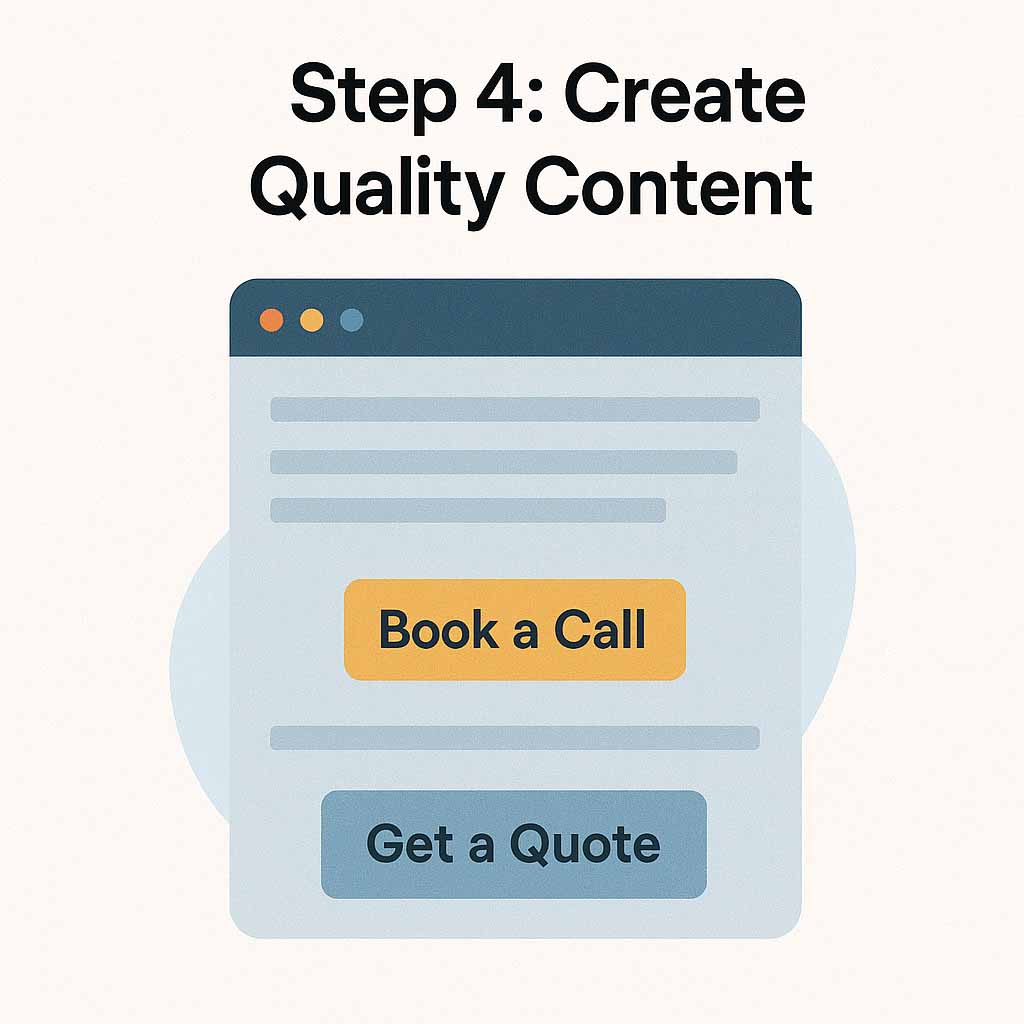
Step 4: Create Quality Content
- Speak directly to your customer’s needs.
- Write in short, clear paragraphs.
- Use calls-to-action like “Book a Call” or “Get a Quote.”
Your content is what converts visitors into leads or customers. Instead of writing about yourself, frame your copy around the customer’s pain points and solutions. Clear, scannable content with strong calls-to-action guides readers toward the next step—whether that’s filling out a form or scheduling a consultation.
Step 5: Design for Simplicity
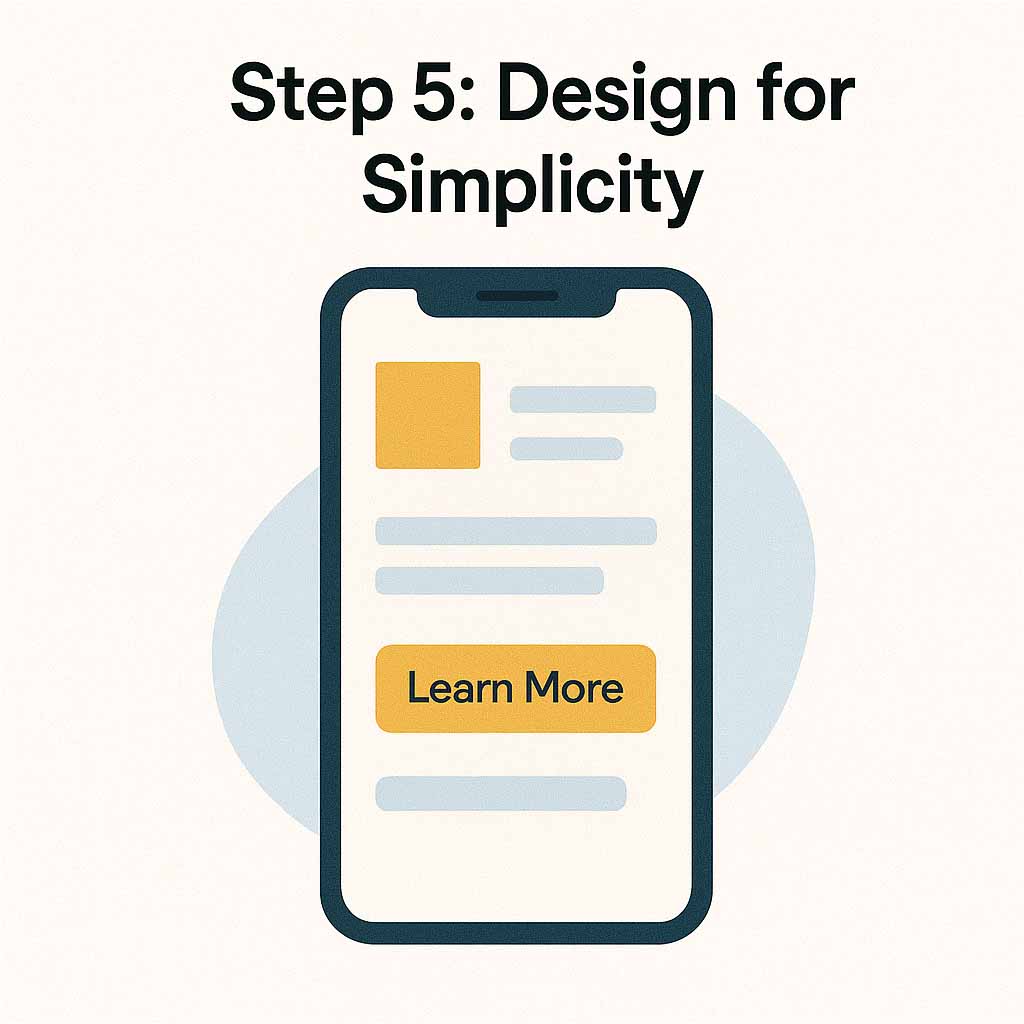
- Mobile-first design is essential.
- Use no more than 2–3 core colors.
- Let whitespace guide the visitor’s eye.
Design is not about cramming as many graphics or features as possible—it’s about making your site easy to use. Most traffic today comes from mobile devices, so your site needs to be responsive and functional on a small screen. A simple, cohesive color palette and generous whitespace create a clean, professional appearance that helps visitors focus on your message.
Step 6: Launch and Promote
- Submit your site to Google Search Console.
- Share it on social media.
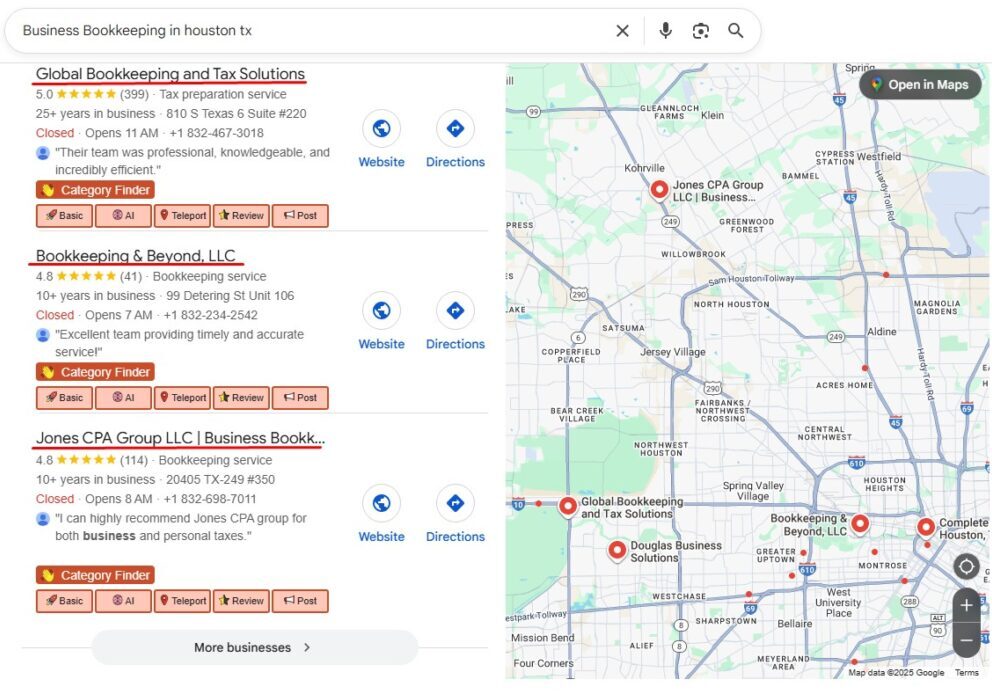
- Add your link to your Google Business Profile.
Launching isn’t the end—it’s the beginning. Submitting your site to Google ensures it gets indexed in search results. Sharing it across your social channels drives initial traffic. Finally, connecting your website to your Google Business Profile boosts your local visibility, making it easier for customers to find you.
Final Thoughts
Starting your own website doesn’t have to be expensive or stressful. With the right domain, hosting, structure, content, and design, you can launch a site that attracts customers and supports your goals.
Want to skip the technical headaches? See how SiteFlyer builds your website for you—without the DIY frustration